Free draft
$0A space to bring your memories together.
Make a free draft ↗- Up to 10 photographs
- 720p preview with a watermark
- Your music and closing message
 funeralslideshowA LIFE, LOVINGLY REMEMBERED
A thoughtful tribute for a moment of farewell.
This funeral slideshow maker helps you prepare a restrained, personal film for a funeral service, with a widescreen format and time to check every photograph before the ceremony.
No payment needed to begin · Your photos stay private
The little things I miss, Mum.
A school satchel, a camping kettle, a shop full of flowers. The everyday things that made her life her own.
Illustrative tribute · Names, dates and stories are fictional. All example photographs are AI-generated, not real customers. Made with Quiet & Simple, using the same layouts and frames available in your editor.
Music: In This Moment — Scott Buckley · CC BY 4.0 · scottbuckley.com.au (level adjusted; excerpt/loop in film). Scott Buckley · License
Upload photographs, arrange them around the order of service, then review a free draft. Allow extra time for uploading and rendering; ten minutes is a useful preparation goal, not a guaranteed completion time.
Begin with their name, move through family, friendships and everyday moments, then close with a short message. Around 20–30 photographs at six seconds each creates a film under five minutes. Ask the officiant where it belongs in the service.
Photographs with EXIF capture dates are placed chronologically. Undated photographs come last. Drag photographs or use the move buttons to make the order your own; scanning dates may not reflect when an old photograph was taken.
Select clear originals rather than screenshots where possible. Ask the venue whether it can play an MP4 in 16:9. Bring a downloaded copy and a backup. Upload only music you have permission to use.
How to Make a Slideshow for a Funeral ↗Our sample films show a simple opening card, gentle photographic pacing and a closing message. Use the preview to check that faces remain visible and names are spelled correctly.
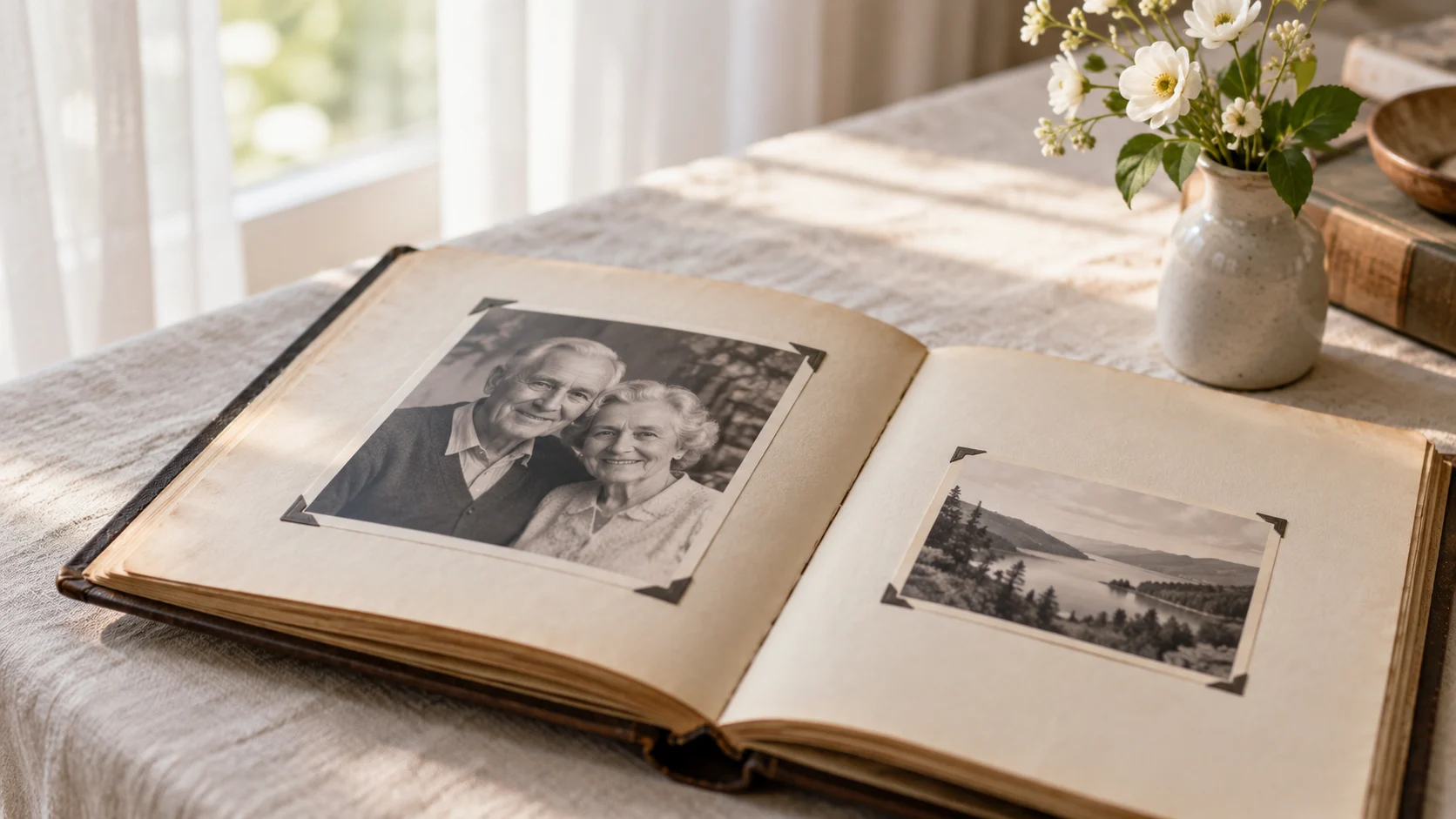
A favourite album, a family phone, a photograph kept in a drawer. Bring them together in a tribute that feels like the person you remember.
Your free draft includes up to 10 photographs. After purchase, you can add up to 100 photographs. A smaller selection often gives each memory more room.
Yes. Make a 720p watermarked draft first. Each IP address can request two free renders.
Planned pricing is $49 for a 1080p film without a watermark, with an optional $25 editable PowerPoint. Paid upgrades are not open yet; free drafts are available.
Yes, if you own the music or have permission to include the recording in your video. Confirm this when uploading. You may also create a film without music.
We sort by EXIF capture date when available, with undated photos last. You can drag photos or use move buttons to change the order.
Project access expires 7 days after creation. Expired media is removed by daily cleanup. Save your finished film before access expires.
Yes. Download the MP4 and test it on the venue’s playback device beforehand. The film uses a widescreen 16:9 layout.
Yes. Write an optional closing message of up to 120 characters. It appears on the final card.
No subscription. Start with a free draft.
Paid upgrades are coming soon. You can create and review your free watermarked draft now; no payment is collected.
A space to bring your memories together.
Make a free draft ↗A film to save, share and return to.
Start with your photos ↗Make it editable · Add a PowerPoint file for +$25. One photo per slide, with an opening and closing card.