Free draft
$0A space to bring your memories together.
Make a free draft ↗- Up to 10 photographs
- 720p preview with a watermark
- Your music and closing message
 funeralslideshowA LIFE, LOVINGLY REMEMBERED
A lifetime of memories, brought a little closer.
Our memorial slideshow maker gives family and friends a way to collect ordinary moments and remember a whole life, whether together at a gathering or watching from far away.
No payment needed to begin · Your photos stay private
The little things I miss, Mum.
A school satchel, a camping kettle, a shop full of flowers. The everyday things that made her life her own.
Illustrative tribute · Names, dates and stories are fictional. All example photographs are AI-generated, not real customers. Made with Quiet & Simple, using the same layouts and frames available in your editor.
Music: In This Moment — Scott Buckley · CC BY 4.0 · scottbuckley.com.au (level adjusted; excerpt/loop in film). Scott Buckley · License
Collect photographs from the family, arrange a sequence around the person’s life, and review your draft together. Add a name and a closing message in your own words.
Try a chapter for early years, a chapter for relationships and a chapter for the things that made them themselves. A garden, a favourite recipe or an afternoon with grandchildren can say as much as a formal portrait.
After purchasing and downloading your film, send it through your own private family group or storage service. An order download link grants access to its holder: share it carefully and remember it expires after seven days.
Ask relatives for original files and confirm they are comfortable including the images. Choose a familiar song only if you have the necessary permission. Without a ceremony deadline, take time to agree on the order together.
How to Make a Slideshow for a Funeral ↗A chronological remembrance offers a view across the years. A themed remembrance might bring together travels, friendships or life at home. You can adjust the seconds per photo to give the story more room.
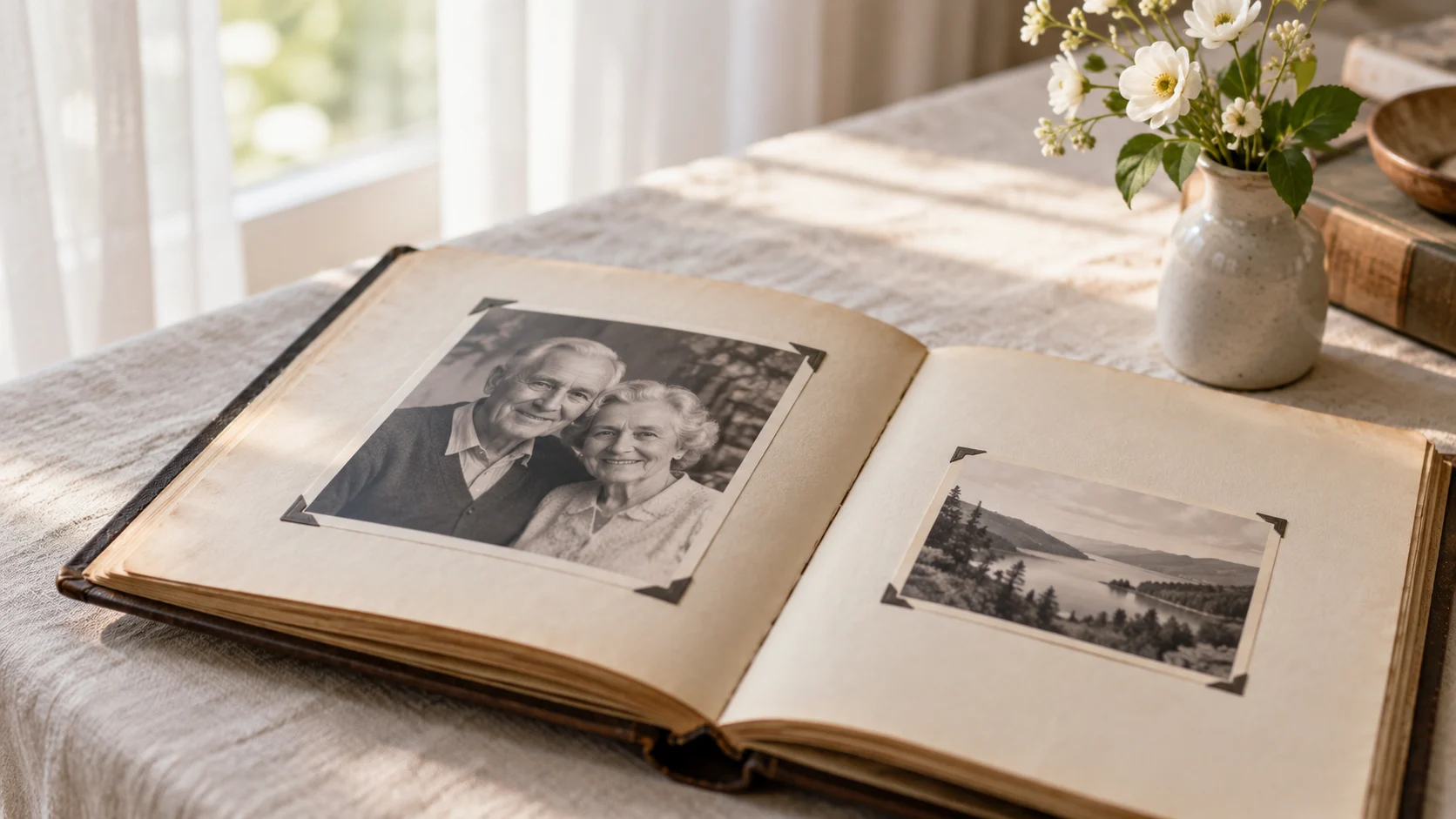
A favourite album, a family phone, a photograph kept in a drawer. Bring them together in a tribute that feels like the person you remember.
Your free draft includes up to 10 photographs. After purchase, you can add up to 100 photographs. A smaller selection often gives each memory more room.
Yes. Make a 720p watermarked draft first. Each IP address can request two free renders.
Planned pricing is $49 for a 1080p film without a watermark, with an optional $25 editable PowerPoint. Paid upgrades are not open yet; free drafts are available.
Yes, if you own the music or have permission to include the recording in your video. Confirm this when uploading. You may also create a film without music.
We sort by EXIF capture date when available, with undated photos last. You can drag photos or use move buttons to change the order.
Project access expires 7 days after creation. Expired media is removed by daily cleanup. Save your finished film before access expires.
After downloading, you can send the film privately to relatives using your preferred sharing service. Keep a saved copy before the download link expires.
Yes. Write an optional closing message of up to 120 characters. It appears on the final card.
No subscription. Start with a free draft.
Paid upgrades are coming soon. You can create and review your free watermarked draft now; no payment is collected.
A space to bring your memories together.
Make a free draft ↗A film to save, share and return to.
Start with your photos ↗Make it editable · Add a PowerPoint file for +$25. One photo per slide, with an opening and closing card.